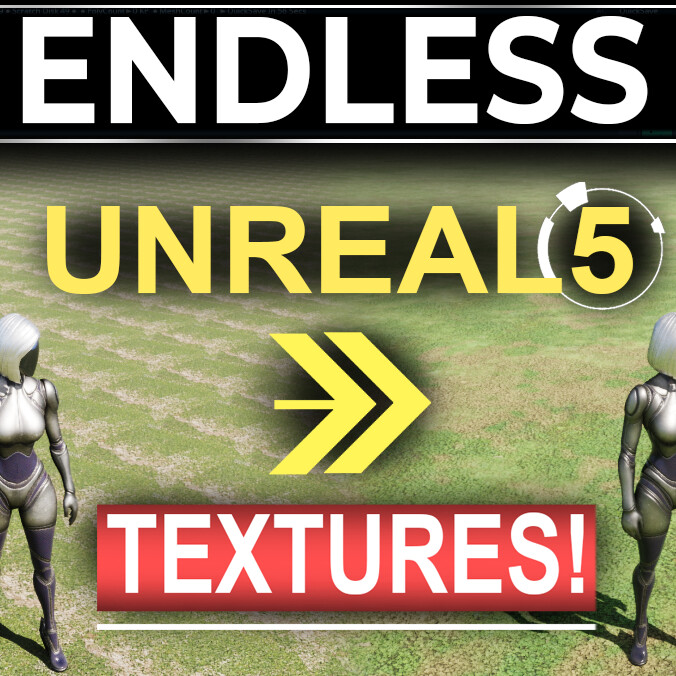
UE5: Seamless Non-Repeating Materials
I spent about 2 weeks practicing learning everything I could about materials, shaders, and quick useful things you can do to speed up the environment creation workflow. Unreal has a lot of really cool base tools that we can use to do really nice looking things, but they take a bit to organize and set-up.
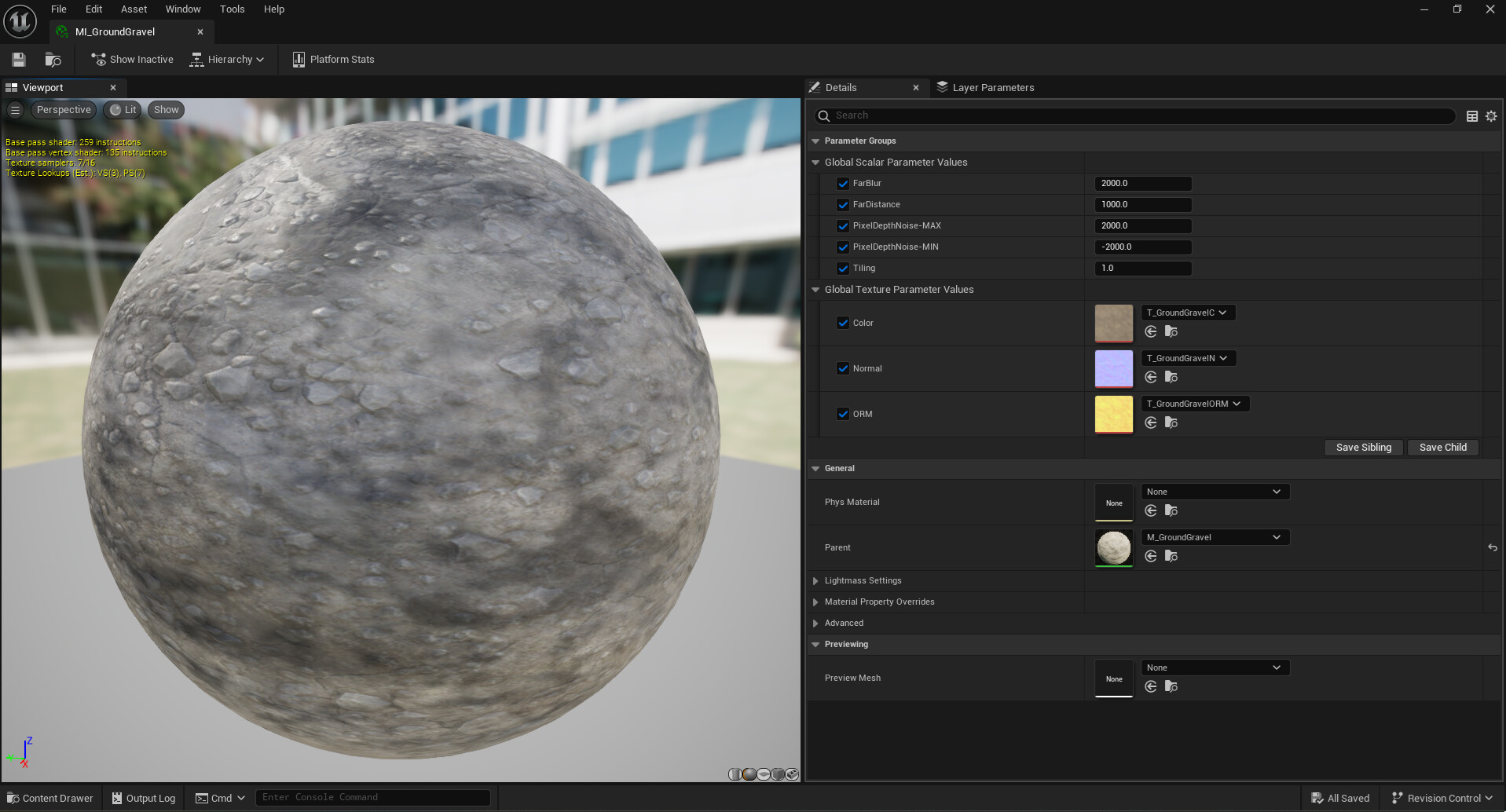
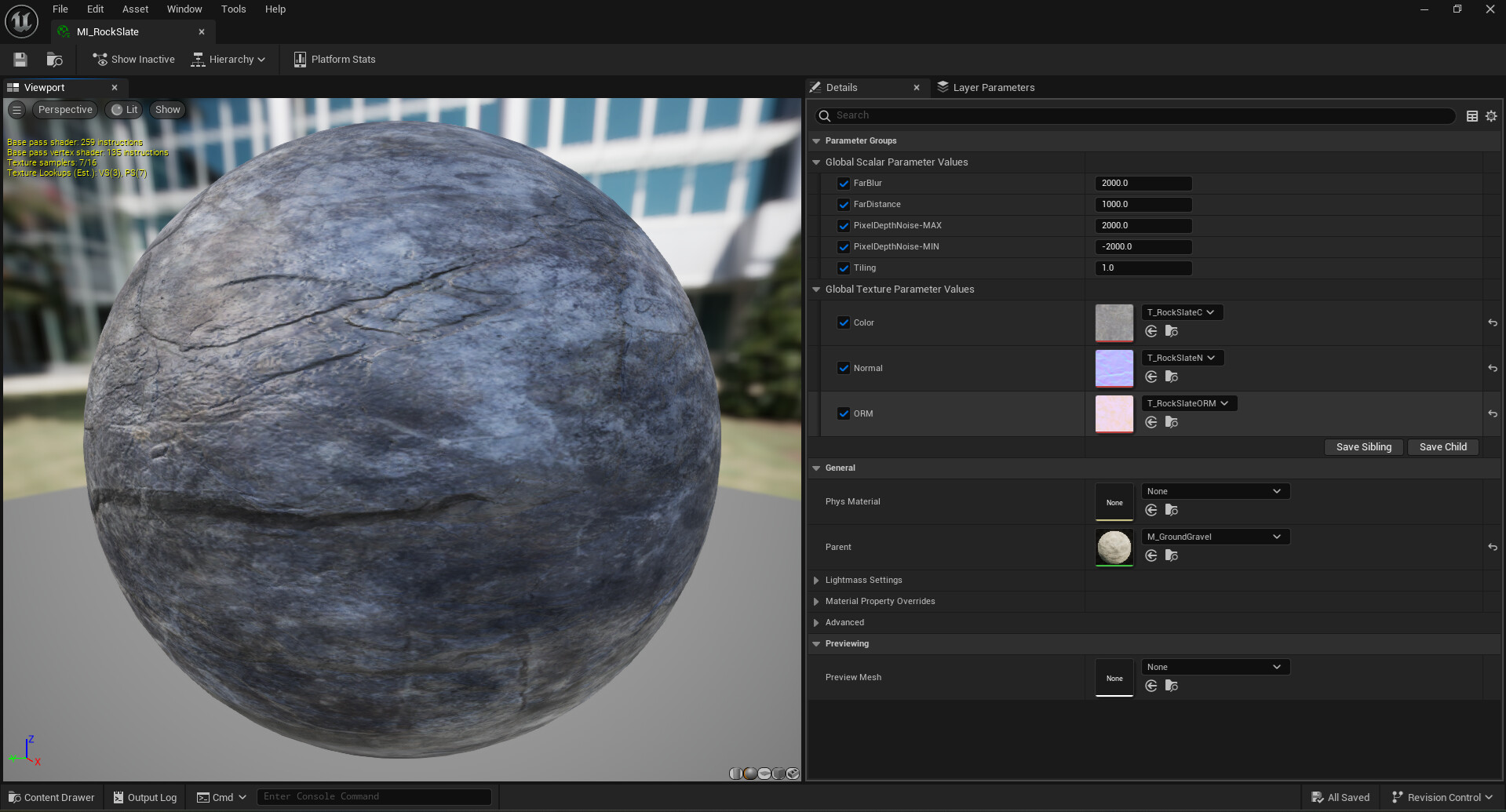
As someone who doesn't really like to spend too much time creating specific textures, materials, shaders, my goal was to find a fast workflow that does 85% of the work with less than 5% of the usual time. As a result I was able to turn most of the default Unreal5 textures into seamless non-repeating texture materials that can easily be swapped out, modified, or combined to create tri-planar designs when sculpting new landscapes. It's been a lot of fun seeing how these things work, and these are now my "go-to" tools that I use for when I have to quickly draft new environments.
For those of you who are interested in these new tools I've put together, you can find it on my shop in the link below:
https://www.artstation.com/marketplace/p/5gwmx/ue5-easy-swap-non-repeating-material-instances?utm_source=artstation&utm_medium=referral&utm_campaign=homepage&utm_term=marketplace
For anyone looking to save money and would rather create them yourself, you can find my UE5: Environment Creation Playlist here for FREE:
https://www.youtube.com/playlist?list=PLZpDYt0cyiutjPNvg4G8FFogFxQsUEW2f
Thanks for taking the time to view my work, and as always I hope you have a Fantastic Day :)